
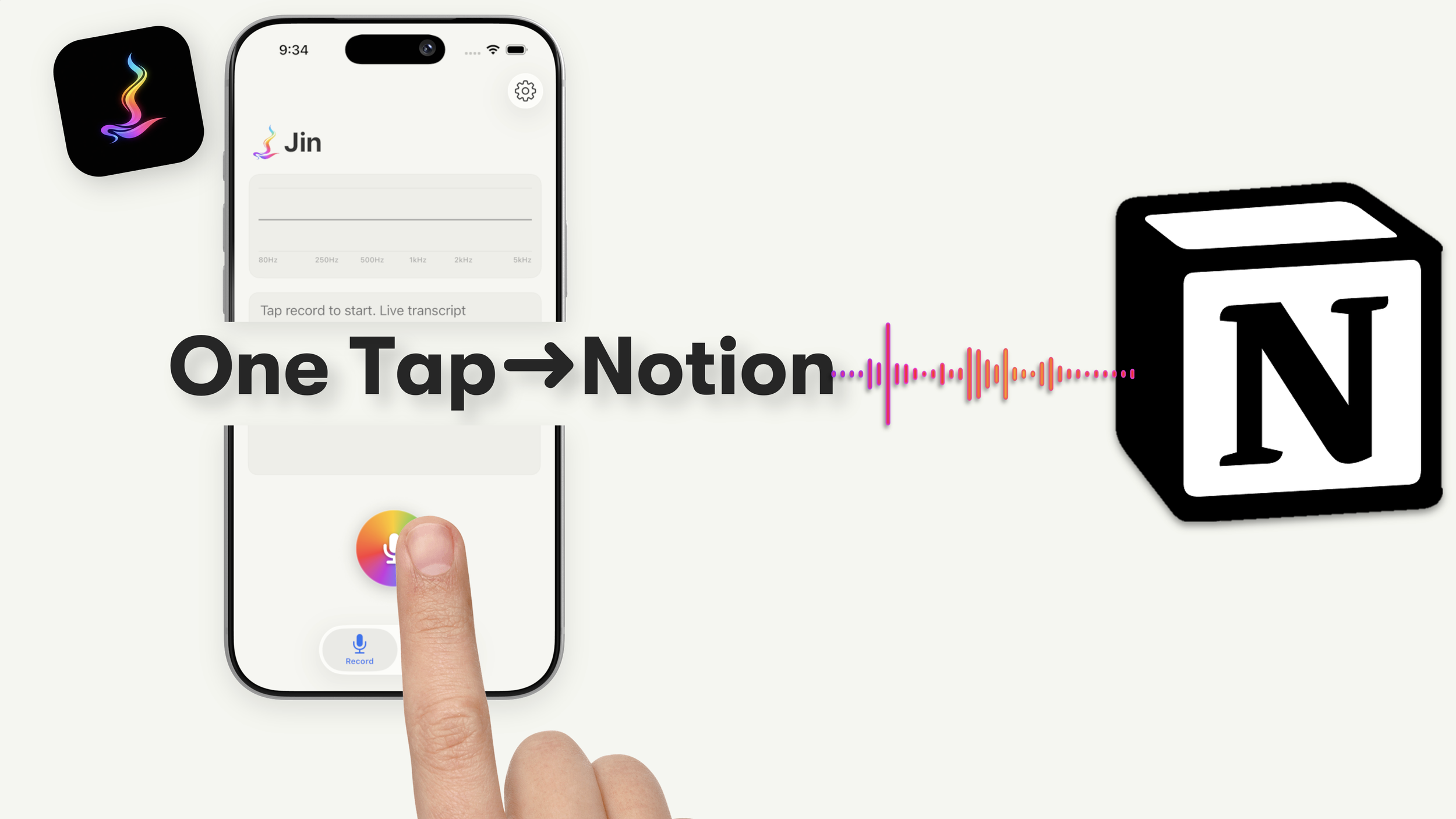
A transcript captures the words. Your voice captures everything else : the tone, the pause, the feeling behind what you meant. Jin Mobile sends both the audio and the transcript straight to Notion, so the whole thought stays with you.
Meet Jin Mobile
Every word, every feeling
Refer our Privacy Policy here*
*iPhone Only • iOS 17 and later

See how it works
Frequently Asked Questions (FAQs)
-
Tap record, speak.
Jin transcribes on-device using WhisperKit (for better accuracy), then sends the audio and transcript to your Notion workspace as a new page.Long silences are trimmed automatically so the audio stays tight.
A copy of the audio is also saved to your iCloud Drive in the JinMobile folder, visible in Files.No cloud of ours. No subscription. No account to create.
-
Voice Memos gives you audio, nothing more. Jin gives you audio plus a time-aligned transcript plus a structured Notion page, with karaoke-style playback, tags, and search. Voice Memos is an archive. Jin is a capture pipeline.
-
Because you probably already organise your life there. Jin funnels your spoken thoughts into a tool you already use every day, tagged and searchable. No new app to adopt.
-
We're focused on doing iPhone well before expanding. Apple Watch, and iPad are on the roadmap with no firm date.
-
Transcription happens on your iPhone. Your audio and transcript go only to your Notion workspace using your own integration token. We don't run a server. We see nothing.
-
Yes for recording and transcription. Notion sync obviously needs internet; captures queue locally and push when you're back online
-
In Settings → Notion, open our template, tap Duplicate to copy it to your workspace, paste the URL of your copy and your Notion integration token. The app tests the connection and shows the schema it detected. Less than 60 seconds.
-
Jin still records and transcribes locally. Recordings live in the Library with playback and tagging.
Audio is also in your iCloud Drive JinMobile folder, so you can share it to any other app via Files.
Transcripts stay inside Jin until you push to Notion. -
Very accurate. Jin runs two on-device passes: Apple's Neural Engine for the live transcript as you speak, WhisperKit for the higher-accuracy version that lands in Notion. WhisperKit is English for now. Other languages on the roadmap.
-
$9.99 one time. No subscription. No in-app purchases. Refunds go through Apple at reportaproblem.apple.com. Support email response is typically under 24 hours.